
Genjutsu AI Prompts: 30 Copy-Paste Examples for Video Edits
Copy-paste English Genjutsu AI prompts for existing video clips. Lock motion and camera while swapping only the person, outfit, prop, scene, or style in Genjutsu AI Studio.
Top 3 Genjutsu AI Starter Prompts
4–10s single-shot MP4/WebM + 1 reference photo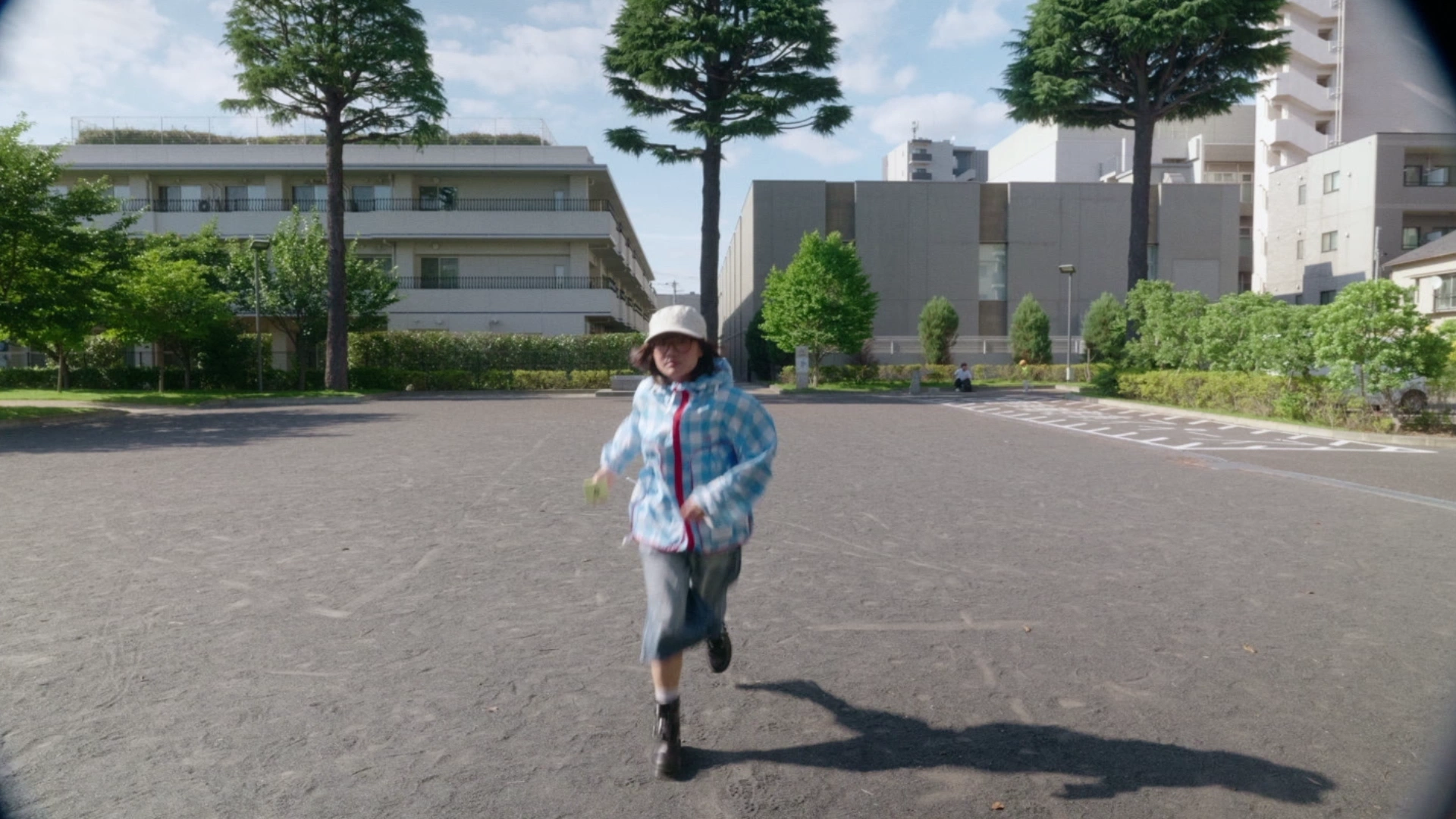 16:9
Full-Body Motion
PRO/720pKeep exact footwork, hip timing, and camera pan; replace dancer with the reference character in matching studio light.
Clip: 4–8s solo full-body dance clip.
 16:9
Face & Identity Swap
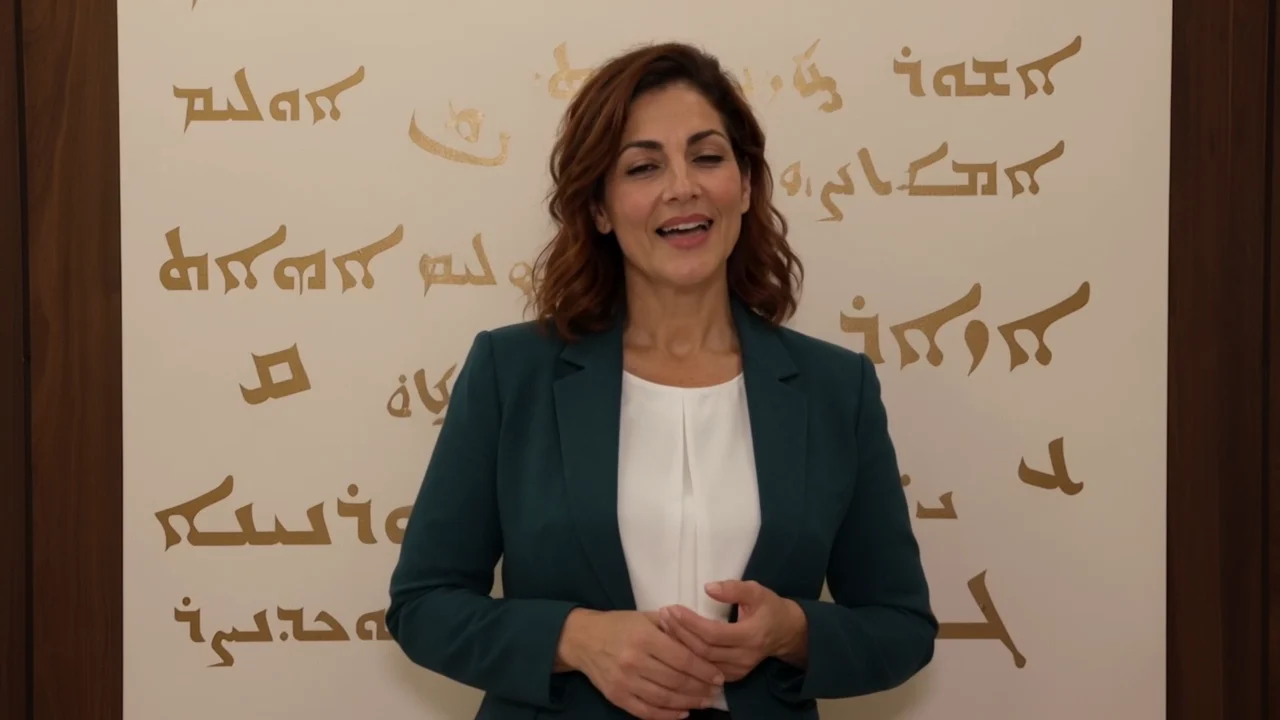
PRO/720pReplace speaker with the reference portrait; keep eye line, smile timing, hair silhouette, and warm window light.
Clip: 4–10s chest-up talking take.
 16:9
Structured Outfit Swap
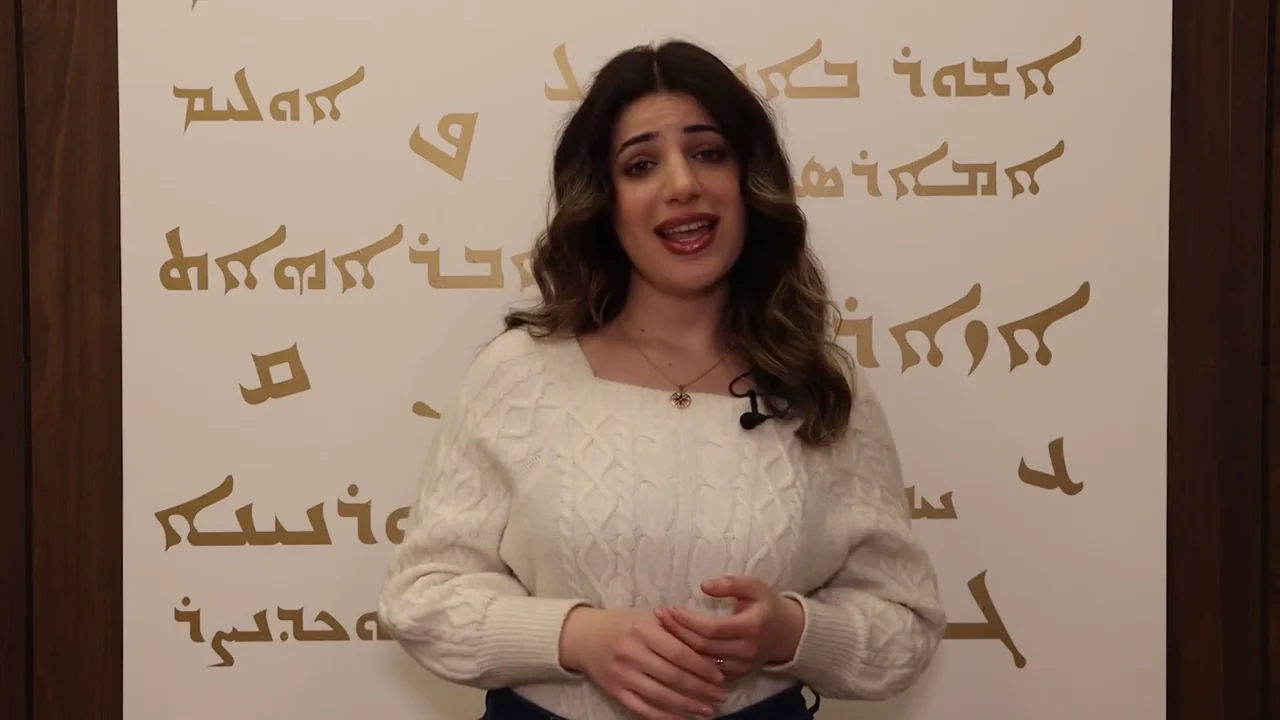
PRO/720pSwap top for the navy wool blazer in the garment photo; keep shoulder seams, arm drape, and skin tone.
Clip: 4–8s medium walk clip, clear torso.
4-Part Genjutsu AI Prompt Formula
Write four short clauses so the model knows what to lock and what to replace.
- 1. Source
Clip framing
Shot size & subject count.
“In the medium street clip of a solo walker,”
- 2. Lock
Keep motion
Stride, camera & room.
“keep exact stride timing and gimbal tracking;”
- 3. Edit
Single swap
Links reference to target.
“replace walker with the reference character in an olive coat,”
- 4. Light
Match lens
Shadows & depth of field.
“matching overcast daylight, floor shadows, and 35mm depth.”
In the medium street clip of a solo walker, keep exact stride timing and gimbal tracking; replace walker with the reference character in an olive coat, matching overcast daylight, floor shadows, and 35mm depth.
Genjutsu AI Motion Transfer Prompts
Use these Genjutsu AI prompts to lock choreography, camera pan, and floor contact while driving a new character.
 16:9
Street Dance
PRO/720pKeep exact footwork, knee bounce, and arm wave; transfer motion to the reference character with courtyard fixed.
Clip:4–8s full-body solo dance clip.Watch:Cropped feet skate; show full shoes.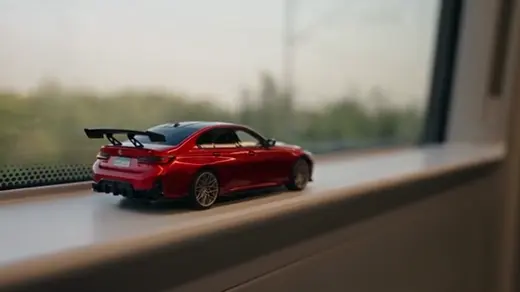 16:9
Runway Walk
PRO/720pPreserve runway stride, hip sway, and dolly speed; animate the reference model with coat sway and rim light.
Clip:5–10s solo forward walk, chest height.Watch:Pillars warp; keep Video background.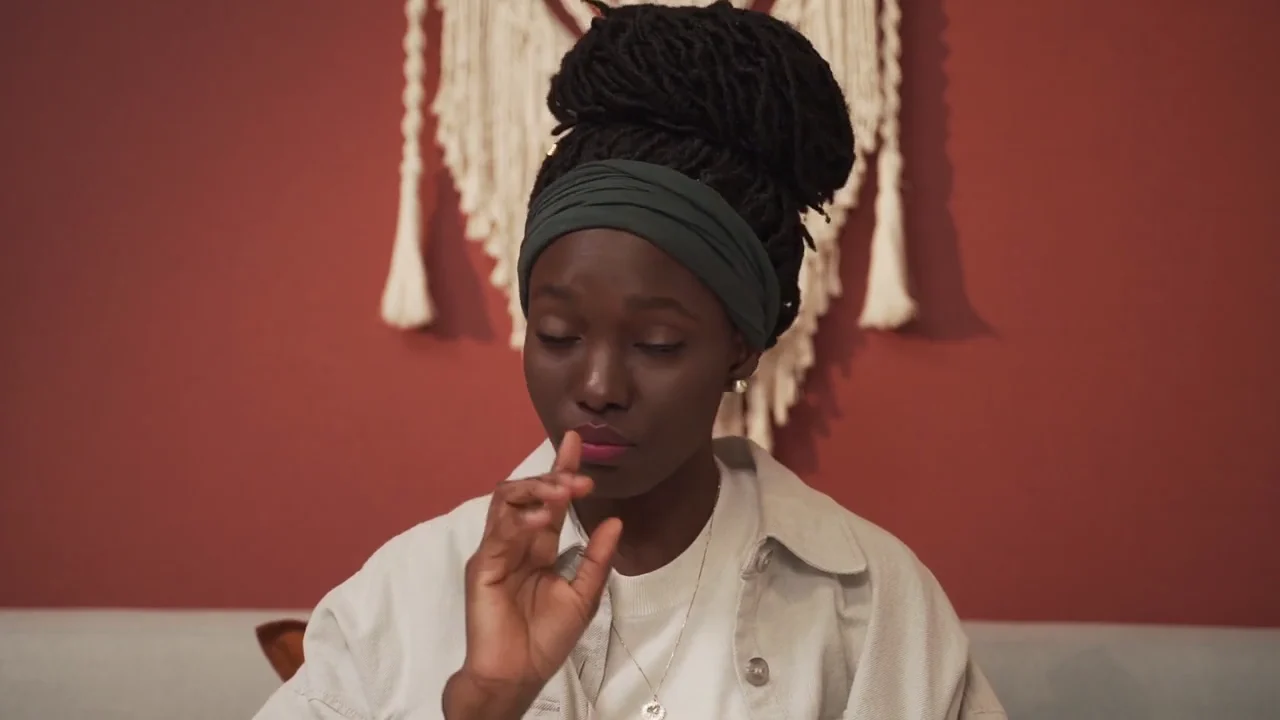 16:9
Speaker Gestures
STANDARD/720pKeep hand gestures, brow raises, and torso lean locked; drive the reference portrait under soft left key light.
Clip:4–12s waist-up speaker, clear hands.Watch:Fast claps merge fingers; separate hands.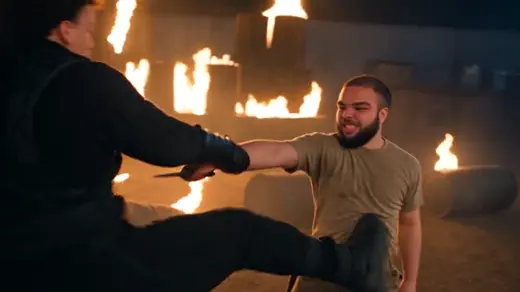 16:9
Action Pivot
PRO/720pLock pivot turn, guard stance, and punch stop without smoothing; apply motion to the armored reference hero.
Clip:4–6s 30fps action clip, sharp shutter.Watch:Dark 24fps clips ghost limbs; use Pro.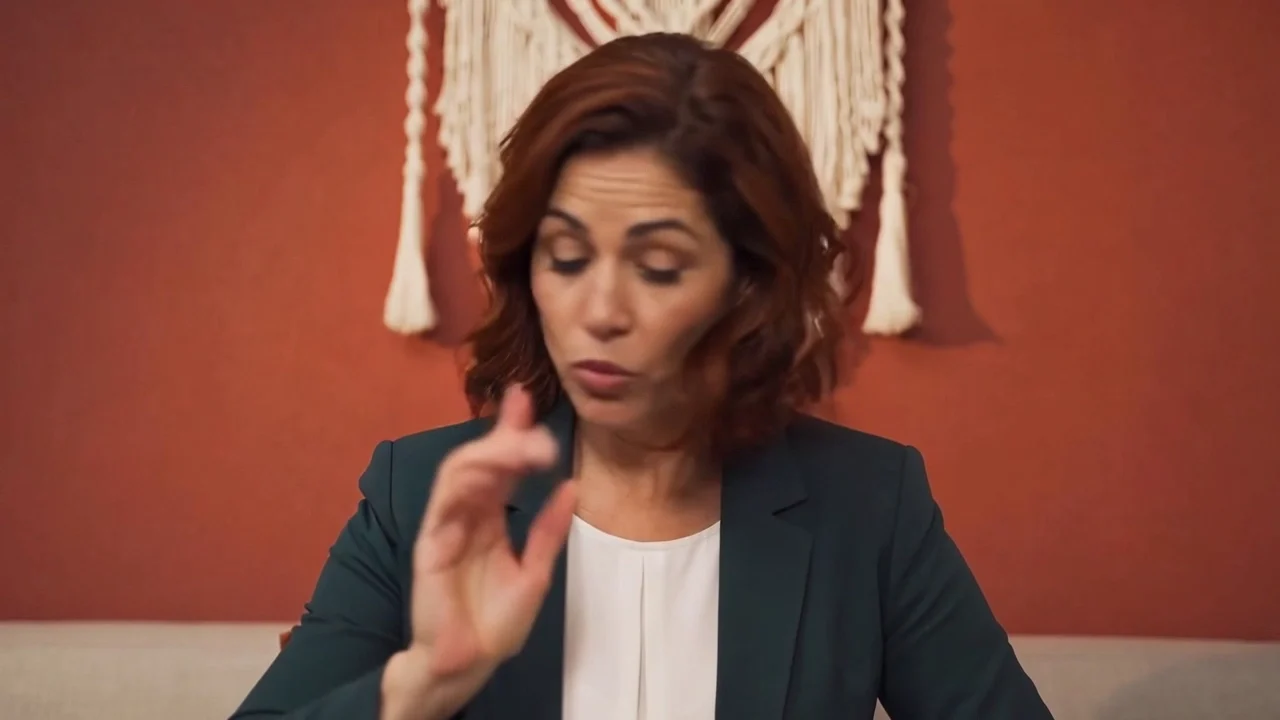 16:9
Seated Desk Take
STANDARD/720pKeep seated posture, wrist motion, and head nod fixed; replace performer with reference character and lock desk.
Clip:4–8s tripod medium desk shot.Watch:Bulky sleeves clip through table edge.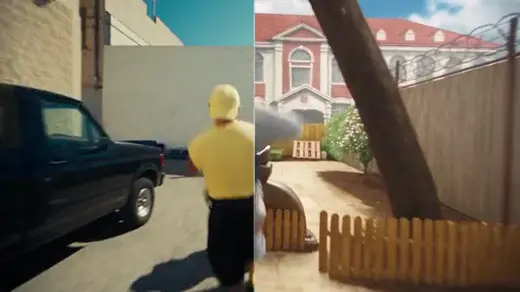 16:9
Trail Jog Swap
PRO/720pKeep runner stride cycle and arm swing; place reference character on a sunlit pine trail with ground shadows.
Clip:4–7s 3/4 jogging clip, stabilized.Watch:Camera shake tilts horizon; stabilize first.
Genjutsu AI Person & Face Swap Prompts
Genjutsu AI prompts that pair one video and one face photo while keeping expressions and lighting.
- 16:9
Dialogue Close-Up
PRO/720pReplace speaker with reference portrait; keep lip timing, blink rhythm, cheek shadow, and warm right key light.
Clip:4–8s shoulders-up speaking clip.Watch:High mics warp chin; keep mic low. 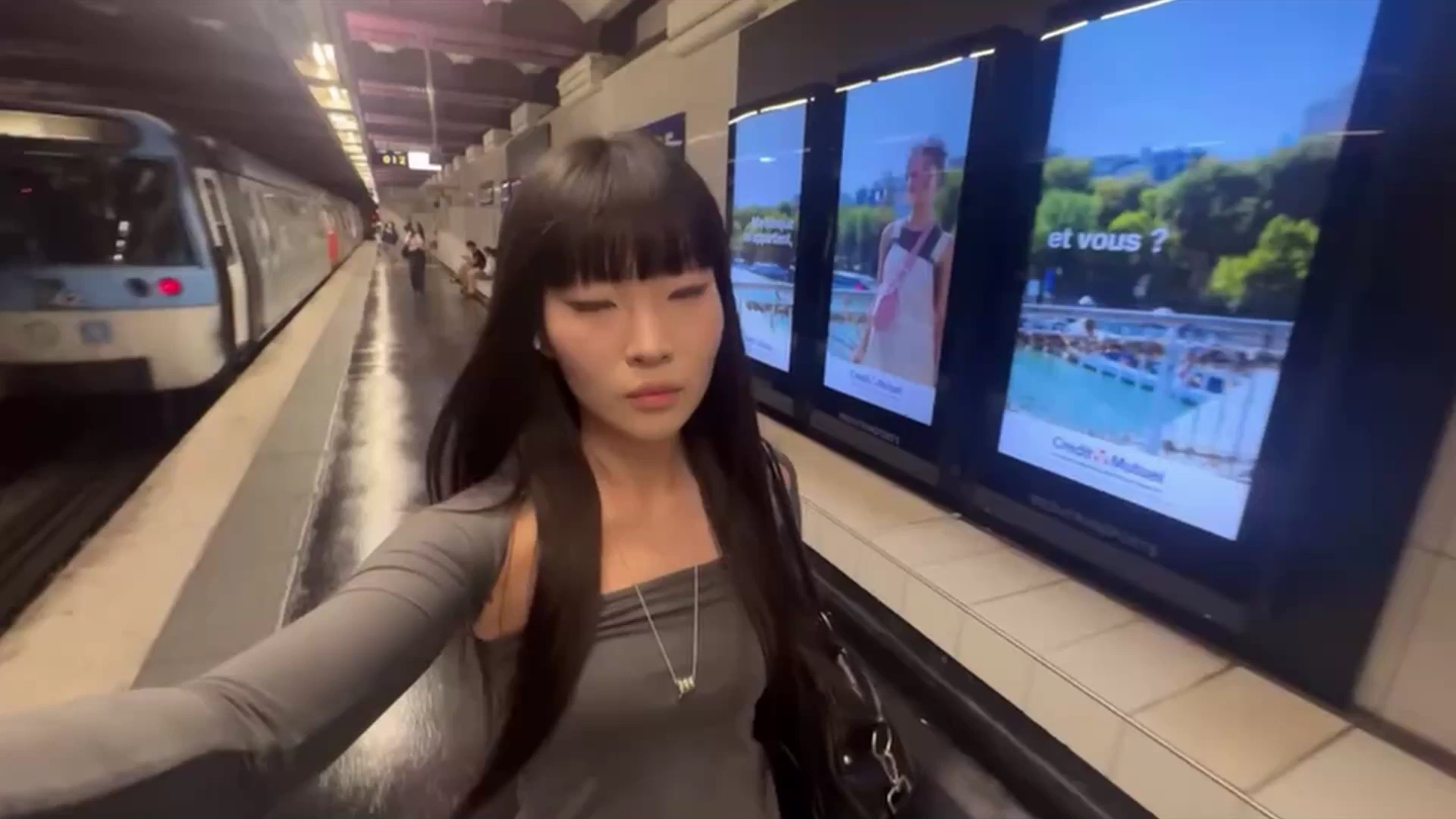 16:9
Selfie Walk
PRO/720pSwap selfie walker with reference identity; preserve laugh, eye contact, walking bounce, and sunset rim light.
Clip:4–8s front selfie walk, steady arm.Watch:Source hats override reference hair.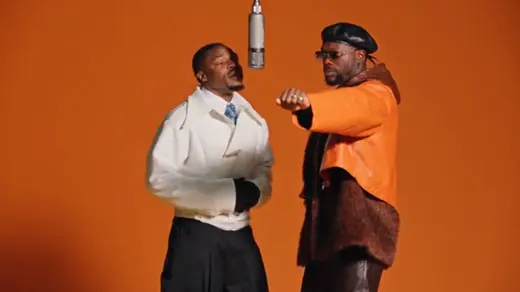 16:9
Duo Left Subject
PRO/720pReplace only the left person in the dark jacket with reference portrait; keep right person and cafe fixed.
Clip:4–8s two-person shot, no crossing.Watch:Crossing paths swap targets; set Target.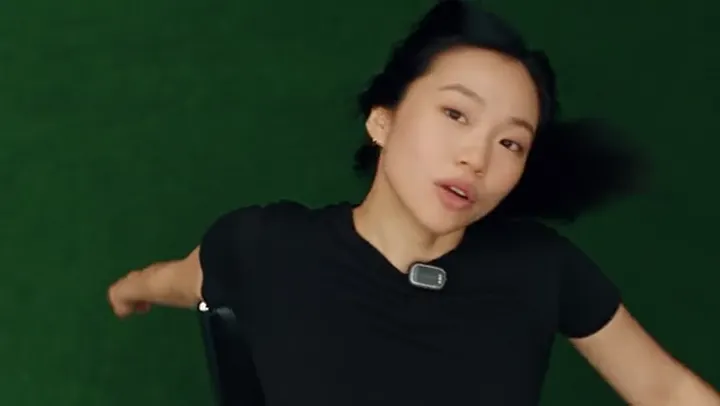 16:9
3/4 Head Turn
PRO/720pReplace subject with reference person, locking nose bridge, jawline, and hair across the 3/4 turn in daylight.
Clip:4–6s close-up, turn under 45 degrees.Watch:Turns past 60° drift; upload 2 angles.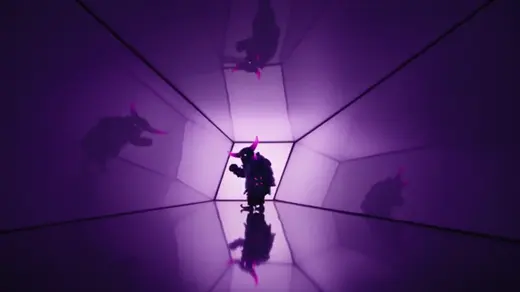 16:9
Neon Portrait
MAX/720pSwap actor with reference identity; keep head tilt, cyan-magenta neon skin reflections, and 50mm bokeh.
Clip:4–8s night clip with colored rim light.Watch:Flash selfies look chalky; Prepare Image.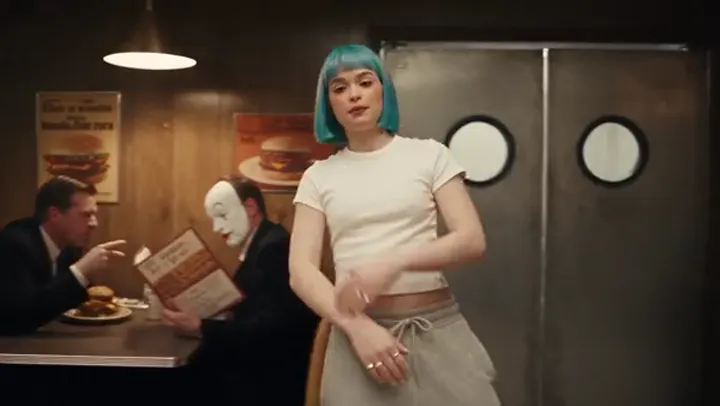 16:9
Full-Body Swap
PRO/720pReplace entire performer with reference character; preserve pace, pocket pose, floor reflection, and room.
Clip:4–8s full-body indoor clip, clean wall.Watch:Baggy source coats leave ghost edges.
Genjutsu AI Outfit & Virtual Try-On Prompts
Genjutsu AI prompts naming fabric weight, drape, and color so replaced garments stay sharp.
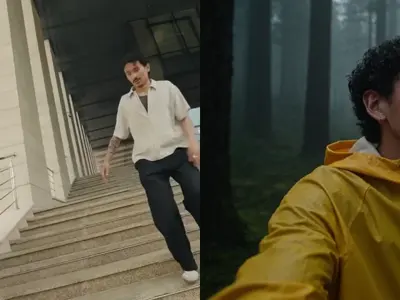 4:3
Boxy Hoodie
PRO/720pReplace top with the charcoal heavyweight hoodie from the garment photo; keep shoulder seams, folds, and hands.
Clip:4–8s waist-up clip, arms at sides.Watch:Fast jumps blur cords; use steady walk.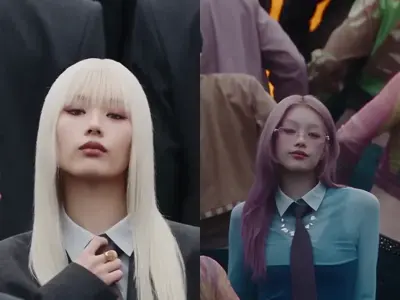 4:3
Satin Midi Dress
PRO/720pChange outfit into the emerald satin midi dress from the reference image; keep skirt drape, pleat shine, and skin.
Clip:4–8s full-body walk or turn clip.Watch:Wide cargo pants smear dress hems.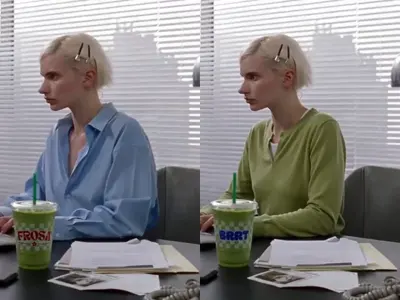 4:3
Linen Shirt
PRO/720pReplace shirt with the sky-blue linen button-down from the reference photo; keep crisp collar, cuffs, and creases.
Clip:4–8s medium daylight shot, clear arms.Watch:Loose shoulder hair blends into collar.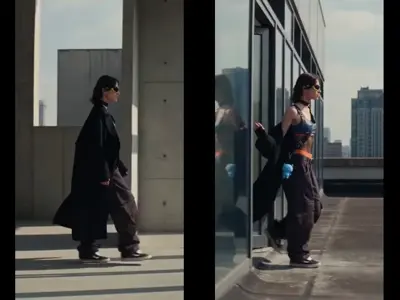 4:3
Leather Jacket
PRO/720pSwap outer layer for the matte black leather jacket in the reference image; keep stiff lapels, zipper, and elbows.
Clip:4–8s 3/4 street pose, medium frame.Watch:Dark clips lose seams; use rim light.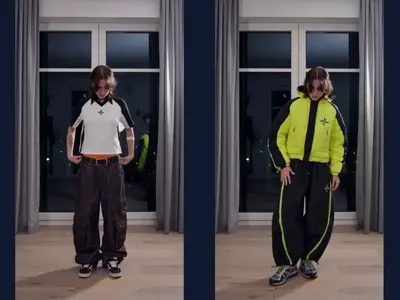 4:3
Athleisure Set
PRO/720pReplace outfit with the sage ribbed top and leggings from the reference photo; lock waistband edge and posture.
Clip:4–6s full-body fitness clip, clean wall.Watch:Hands on hips blur waistband seam.
Genjutsu AI Scene Swap & Hotel Lobby Prompts
Genjutsu AI prompts for hotel lobby entrances and background swaps with matched subject lighting.
 3:4
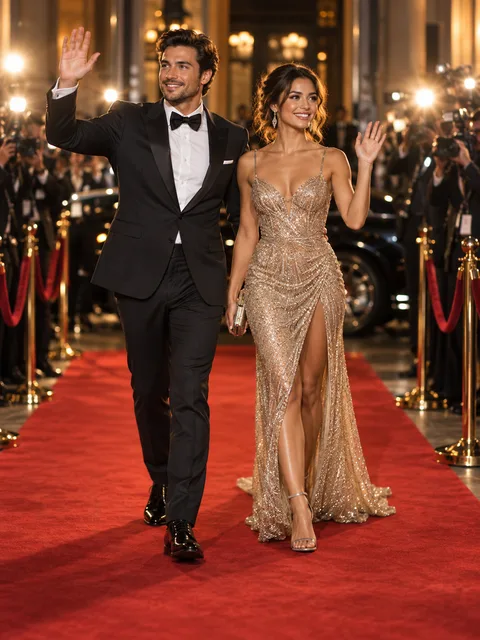
Marble Hotel Lobby
PRO/720pKeep subjects walking forward arm-in-arm; replace background with a warm marble hotel lobby, chandeliers, and floor reflections.
Clip:4–8s solo or duo full-body walk.Watch:Cropped feet float; keep floor visible. 3:4
Sunset Rooftop
PRO/720pPreserve posture and hair motion; rebuild backdrop into a sunset rooftop terrace with amber rim light and city bokeh.
Clip:4–8s waist-up clip in warm light.Watch:Green office light clashes with sunset.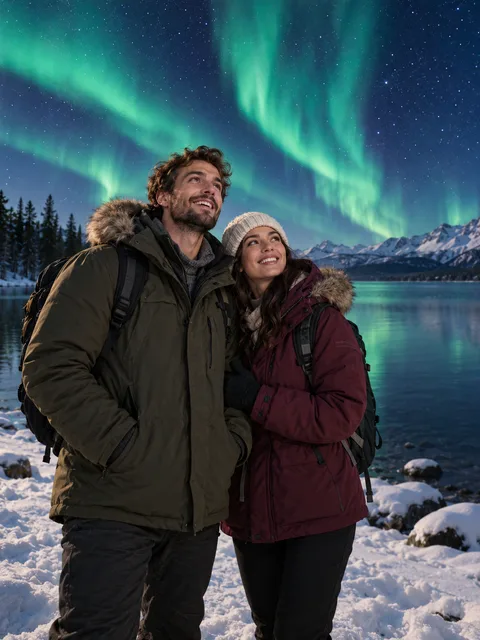 3:4
Night Aurora Backdrop
MAX/720pKeep walker pace toward lens; replace background with a night sky and reflective water with cool cyan-emerald fill light on jackets.
Clip:4–8s medium forward walk, steady.Watch:Sunlit white shirts look pasted at night.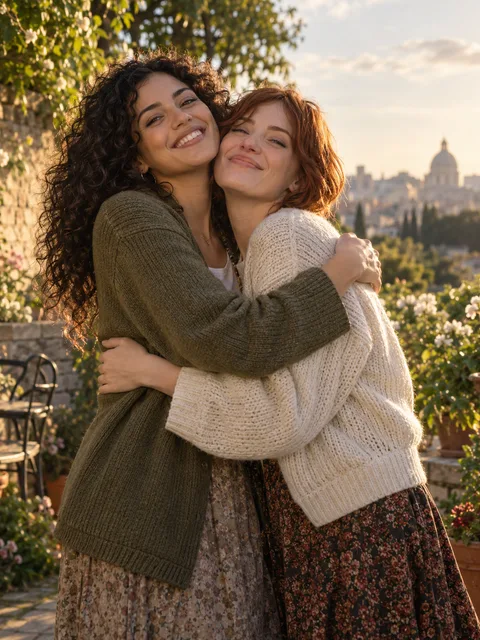 3:4
Sunlit Garden Terrace
PRO/720pLock subject gestures and expression; replace cluttered room with a sunlit stone garden terrace and soft warm rim lighting.
Clip:4–10s talking or duo clip, clean edges.Watch:Waving near busy shelves pulls artifacts.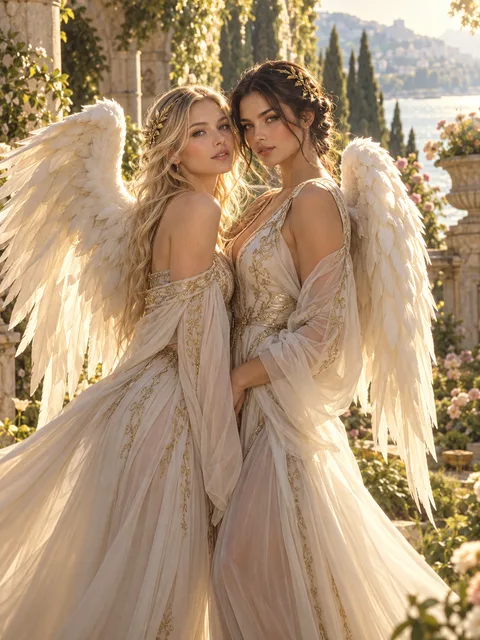 3:4
Classical Colonnade Stage
PRO/720pPreserve duo pose, turn, and wardrobe; place subjects in a sunlit classical colonnade courtyard with warm key light and soft bloom.
Clip:4–6s pose-and-turn clip, full torso.Watch:Whip-pans break floor perspective.
Genjutsu AI Object Swap & Transition Prompts
Genjutsu AI prompts for handheld product swaps and cyclic fan wipes with finger occlusion.
 9:16
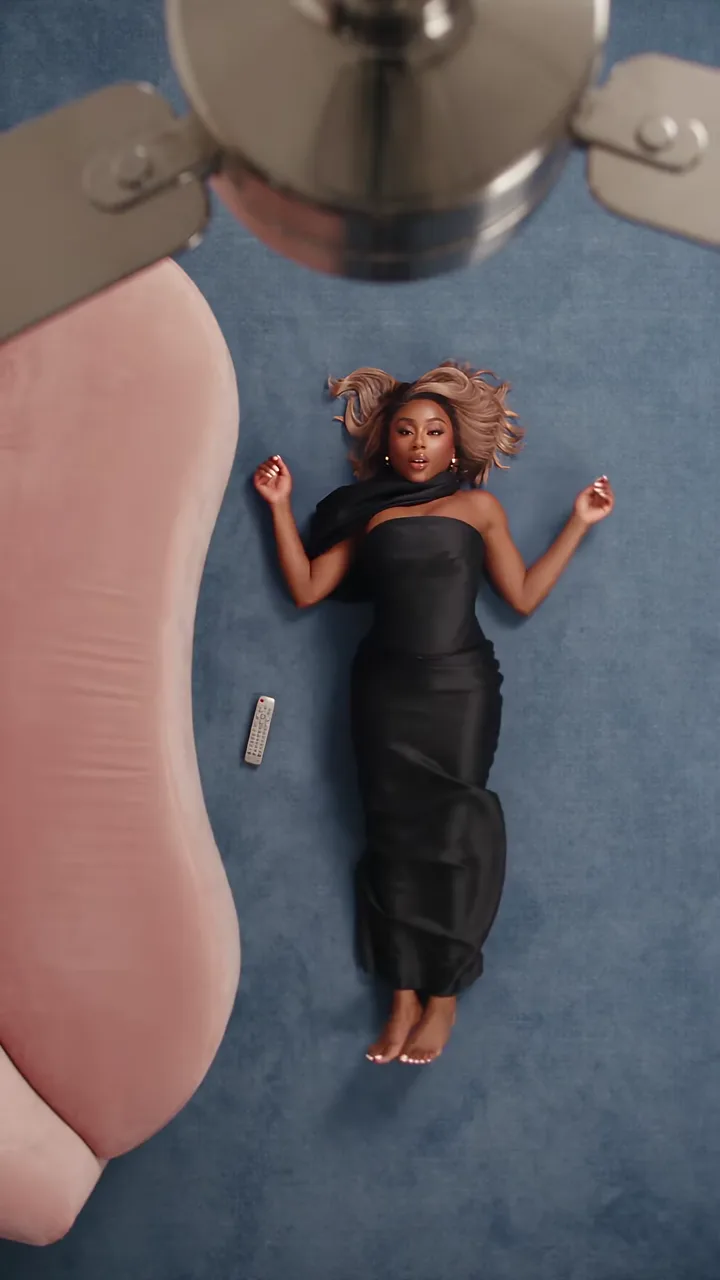
Ceiling Fan Wipe
PRO/720pKeep clockwise ceiling fan blade spin in foreground; as the blade wipes the lens, reveal the reference streetwear outfit.
Clip:4–6s clip with foreground blade pass.Watch:Stalls if blade misses torso; use preset.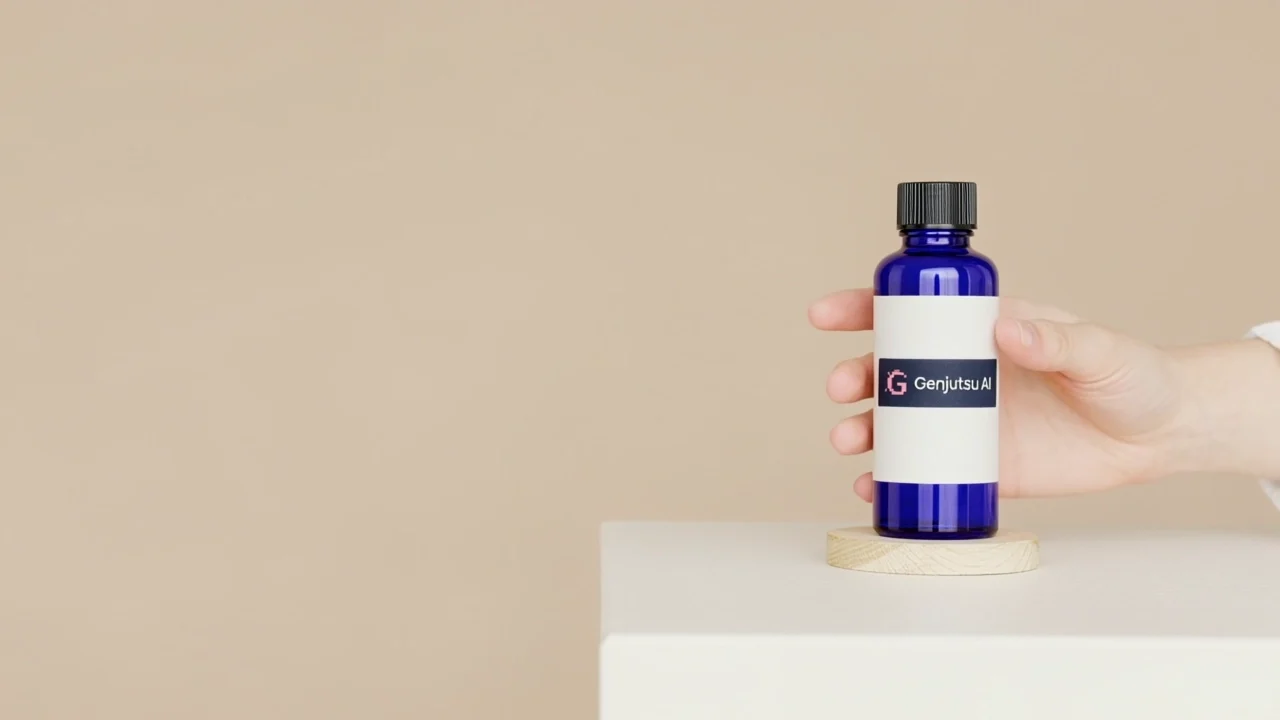 16:9
Serum Bottle Swap
PRO/720pReplace white bottle in hand with the amber serum bottle from the product photo; keep five fingers in front and wrist tilt.
Clip:4–8s close-up product hold, steady grip.Watch:Wide bottles hide fingers; match width.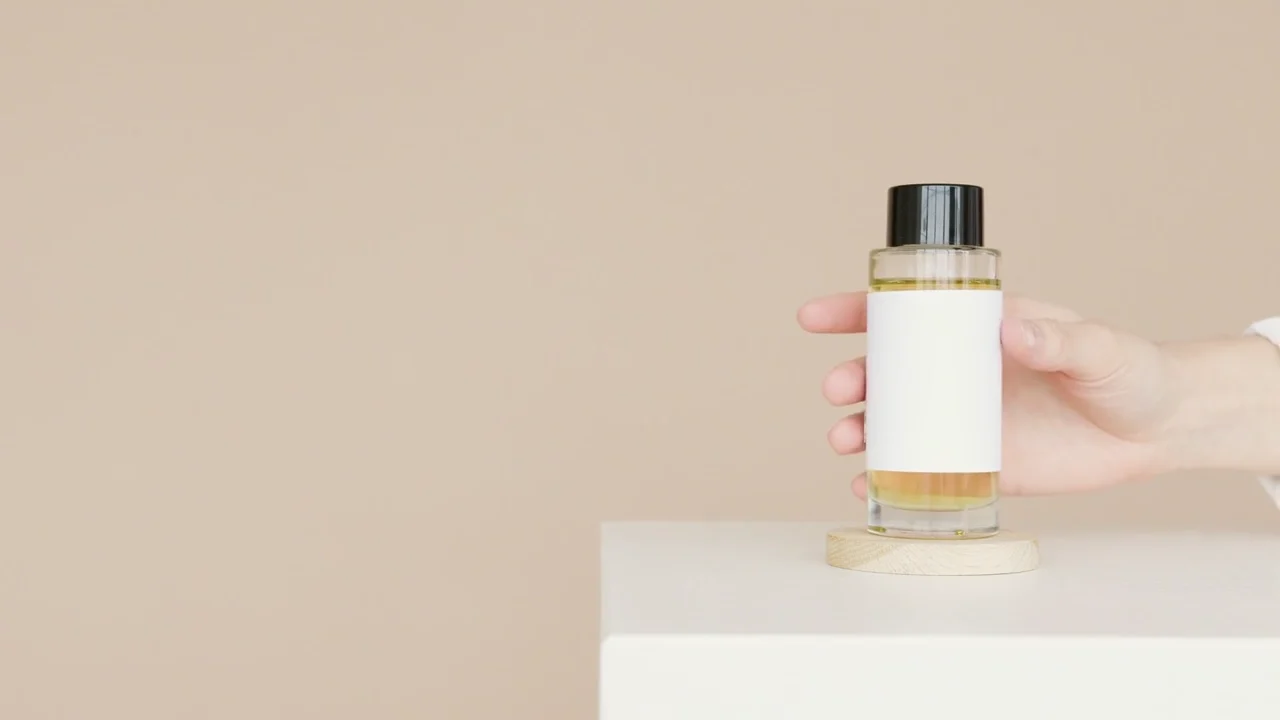 16:9
Glass Bottle Grip Lock
PRO/720pSwap bottle in speaker hand with the amber glass bottle from the reference photo; keep thumb occlusion on label and lift.
Clip:4–8s chest-high UGC product hold clip.Watch:Shakes warp small text; hold steady 1–2s.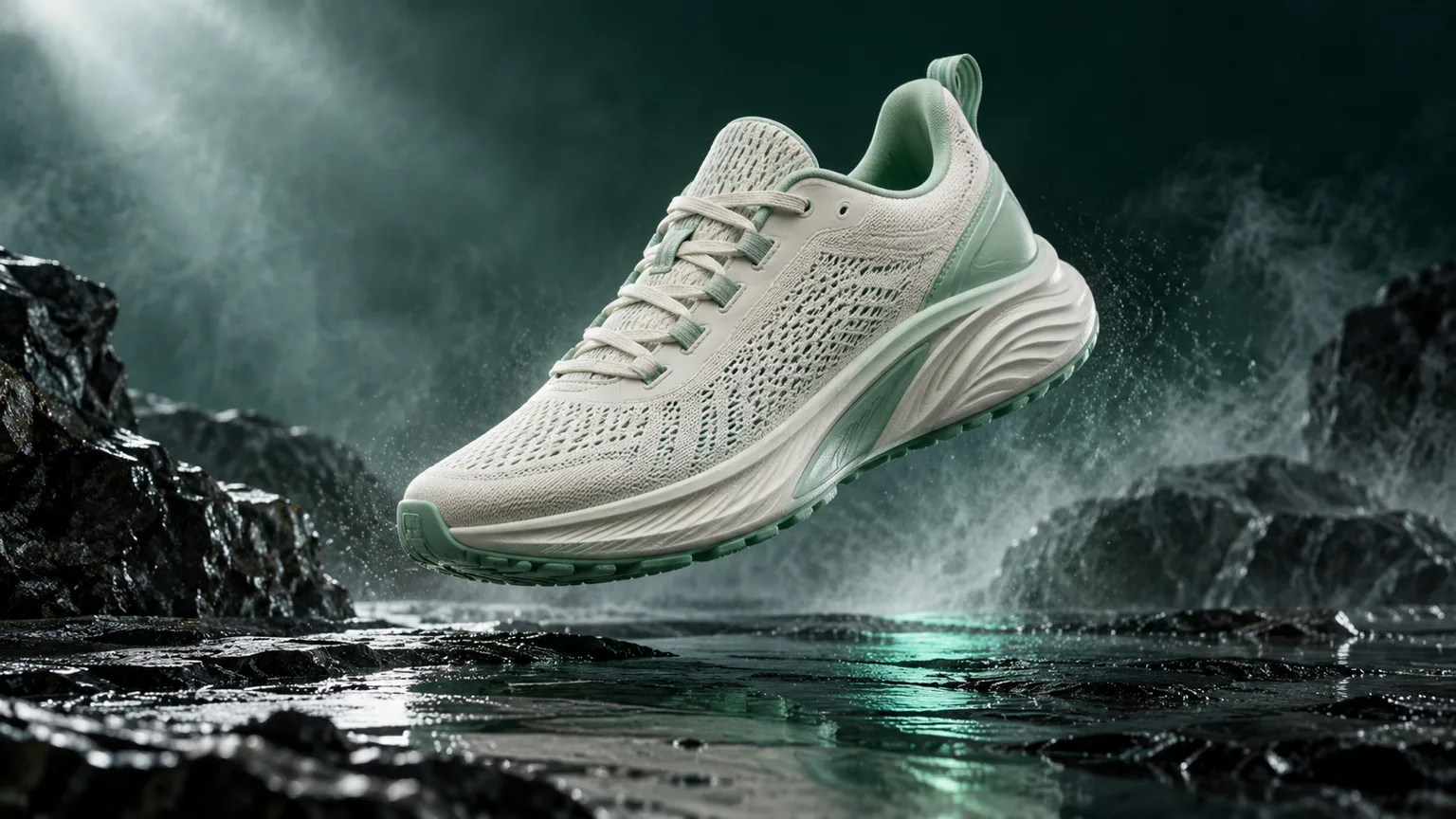 16:9
Sneaker & Prop Swap
PRO/720pReplace featured product with the sage running sneaker from the reference photo; keep water splash reflections and camera pan.
Clip:4–8s close-up product showcase clip.Watch:Mismatched product proportions clip edges.
Genjutsu AI Restyle & Video-to-Anime Prompts
Genjutsu AI prompts to restyle clips into cel anime, 16mm film, or cyberpunk by line weight and palette.
 16:9
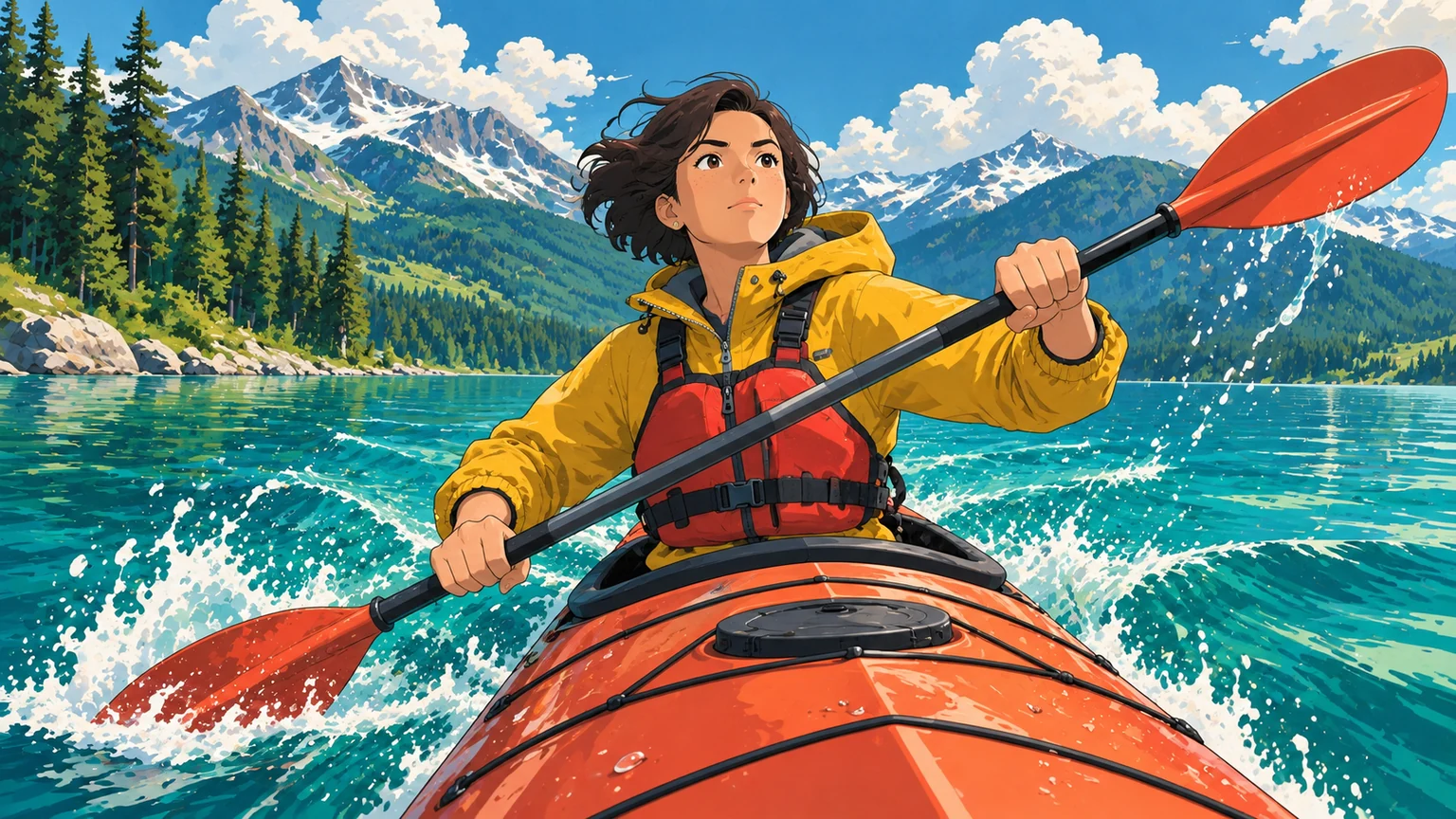
2-Tone Cel Anime
PRO/720pTransform video into Japanese cel animation with dark ink outlines, flat two-tone shadows, vibrant sky, and locked motion.
Clip:4–8s medium or full-body clip, clear edges.Watch:Trees flicker; keep background flat-painted.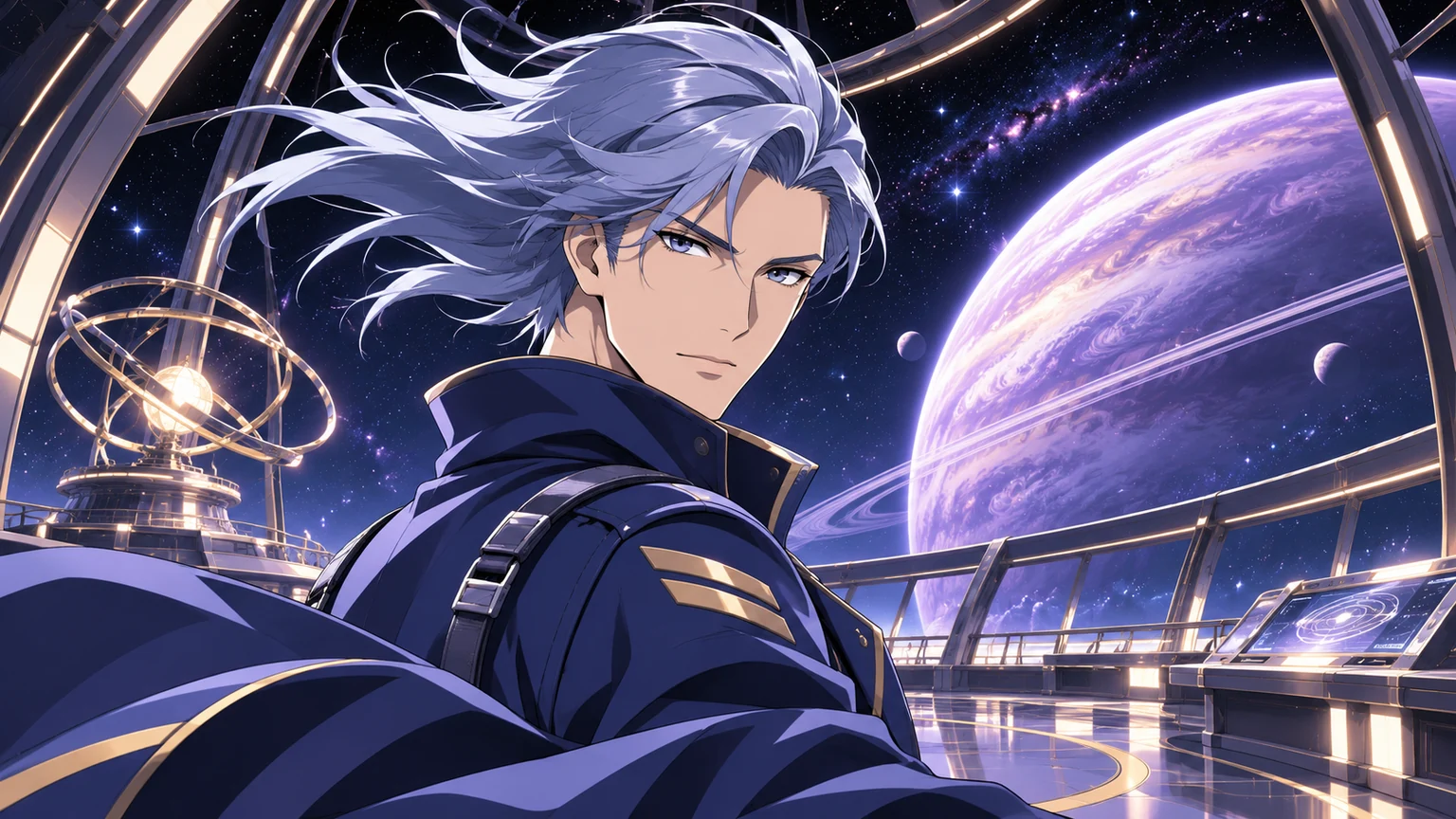 16:9
3D Cel-Shaded CG
PRO/720pRestyle footage into cel-shaded 3D CG animation with clean contours, stylized rim light, smooth shading, and camera pan.
Clip:4–8s dance or action clip, even light.Watch:Deep shadows turn black; use bright clips.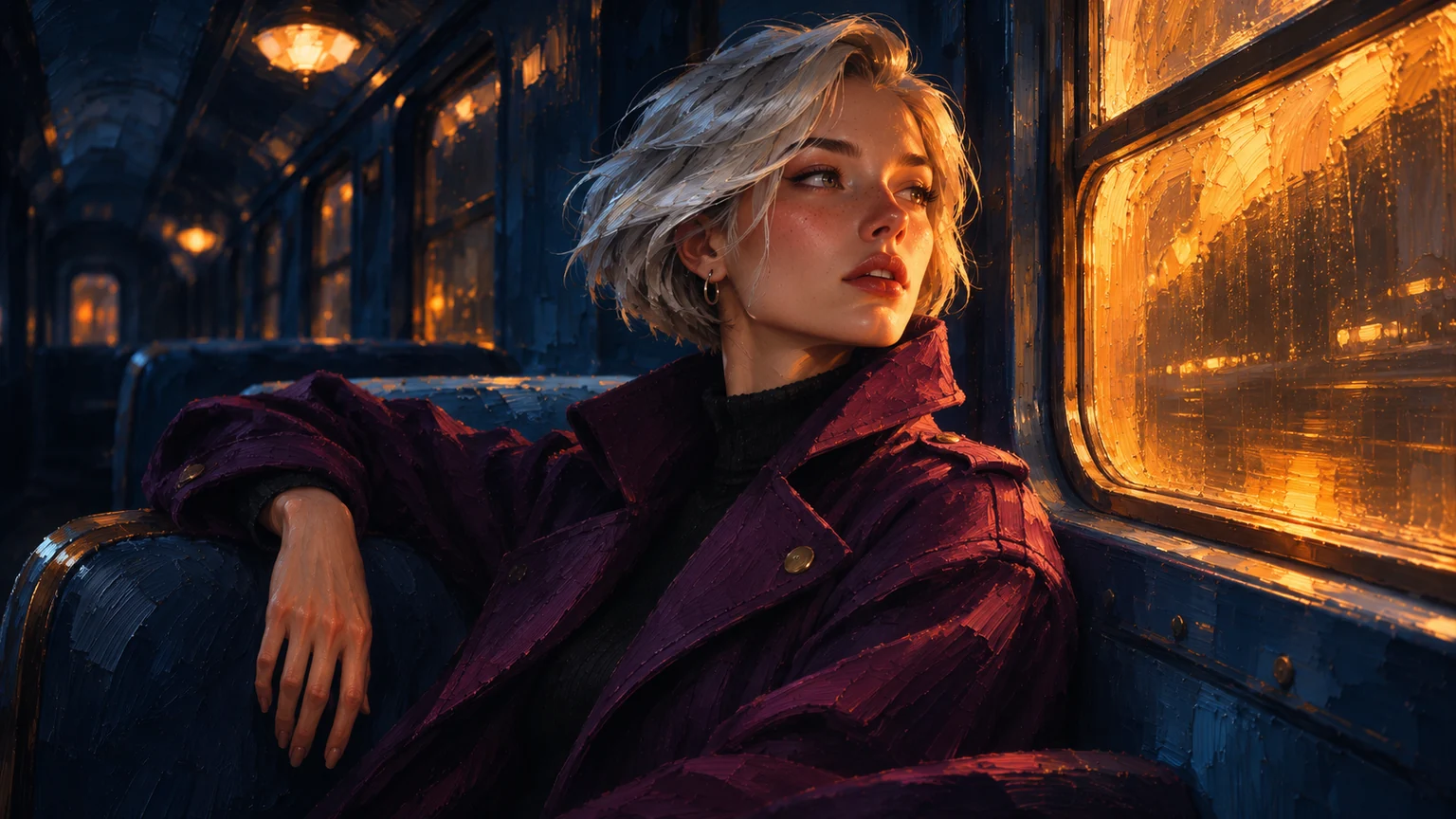 16:9
Painterly Cinematic Film
STANDARD/720pApply a warm cinematic look with amber window halation, fine texture, deep navy-gold grading, and locked natural motion.
Clip:4–10s portrait or travel clip.Watch:Oversharpened HDR fights soft halation.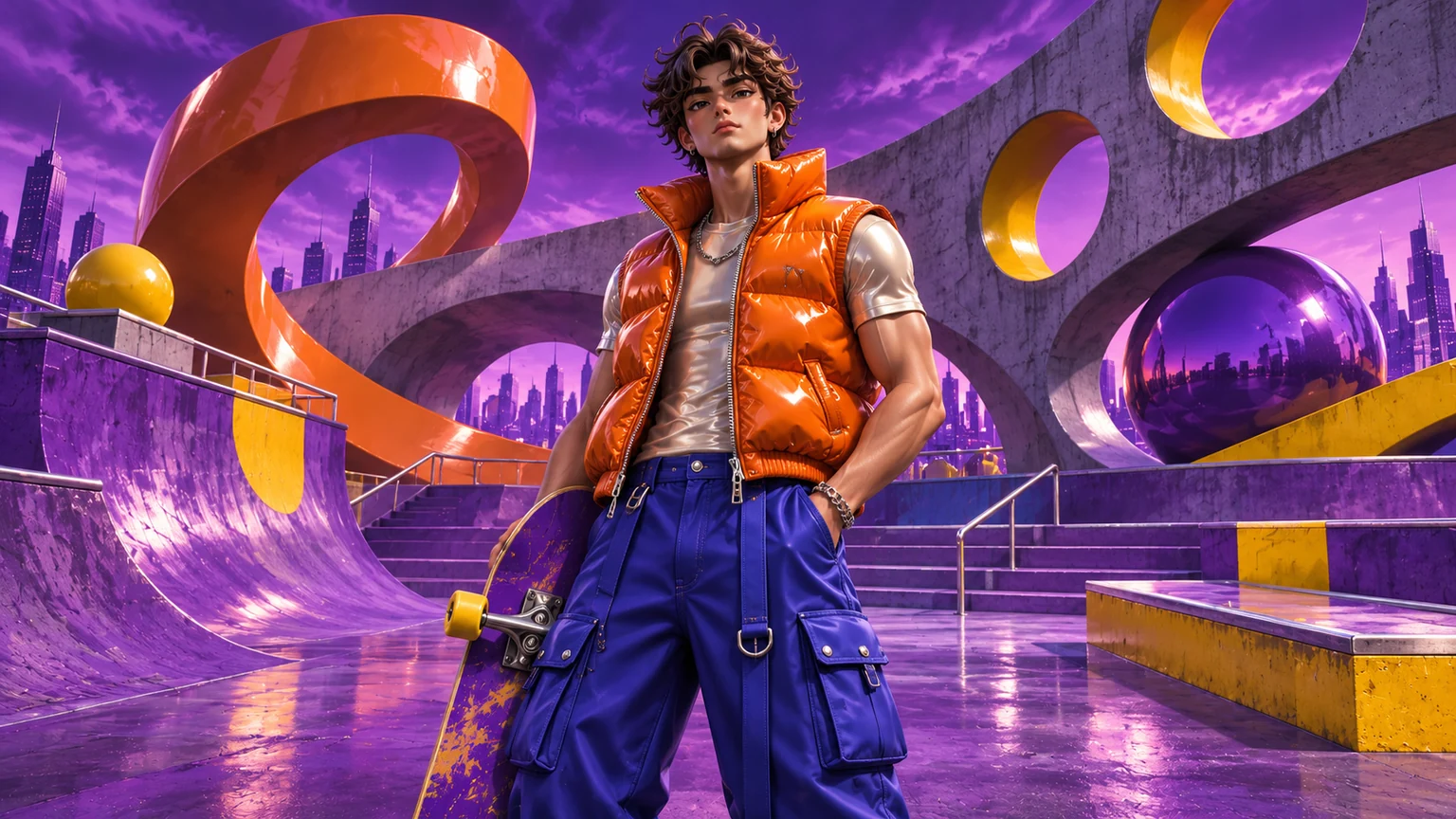 16:9
Cyberpunk Street CGI
PRO/720pRestyle into stylized street CGI with neon violet-orange rim light, glossy fabric highlights, wet reflections, and exact motion.
Clip:4–8s urban walk, dance, or street pose.Watch:Distant small faces lose detail in neon.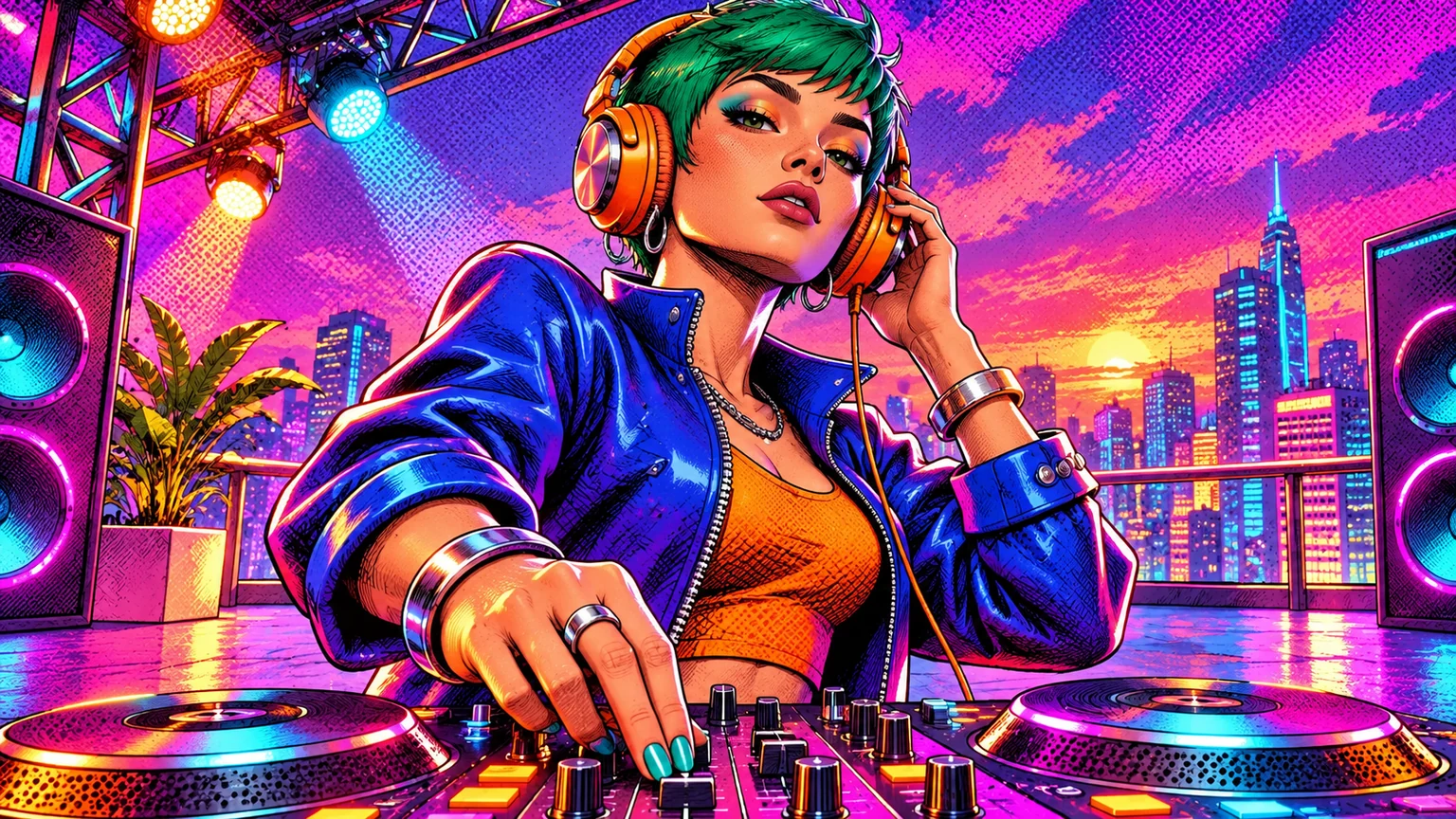 16:9
Halftone Comic Ink
PRO/720pConvert clip into a graphic novel look with brush-ink outlines, halftone shadows, primary accents, and stable background.
Clip:4–8s expressive gesture or sports clip.Watch:Small plaid patterns cause moiré noise.
Failed Video Edits: 8 Symptoms & Rewritten Prompts
Add the lock clause from the right column when a render warps walls, hands, or faces.
| Symptom | Cause | Rewritten Prompt |
|---|---|---|
| Background warps | No background lock | Replace only foreground person with reference portrait; keep walls and camera perspective fixed. |
| Face melts on hand pass | No finger occlusion rule | Maintain reference face proportions; keep fingers cleanly in front of cheek without blending. |
| Outfit blurs at seams | No fabric weight named | Replace top with heavyweight cotton jacket from garment image; keep crisp collar and hem. |
| Bottle merges into hand | Grip order missing | Swap bottle with product reference photo; keep five-finger grip in front and wrist tilt. |
| Feet skate on floor | Floor contact unlocked | Transfer dance motion to reference character; lock foot placement, cadence, and floor shadows. |
| Face has wrong color cast | Photo light mismatch | Replace subject with reference identity and relight skin to match warm top-left key light. |
| Fan wipe stalls halfway | Spin direction missing | Keep clockwise fan blade spin in foreground and complete outfit reveal as blade clears center. |
| Anime background flickers | Foliage redrawn per frame | Apply cel outlines and two-tone shading to subject while keeping background flat-painted. |
FAQ: Genjutsu AI & Higgsfield Genjutsu Prompts
Free credits, prompt compatibility, length limits, and reference photo rules.
- Are these Genjutsu AI prompts free to copy and test?
Copying prompts and previewing quotes in /create is free. Eligible accounts unlock 1 free 4s Lite preview or claim 24 check-in credits over 7 days (or a $1.99 Trial Pack), funding a 4s 720p Lite render (22 credits).
Credit packs- Do these work as Higgsfield Genjutsu prompts too?
Yes. Both workflows use reference-guided video editing where the video drives motion and the reference image supplies identity, outfit, or object detail.
Beginner guide- Is there a prompt length limit?
Up to 2,000 characters in Prompt and 350 in Target, though 20–40 words using the 4-part formula keeps frames most stable.
- Can I write prompts in Chinese or other languages?
Yes, but short English verbs for motion, fabric drape, and lighting give the sharpest results across all tiers.
- Is a text prompt enough without a reference photo?
Face swap, outfit try-on, object swap, and motion transfer require a reference photo plus your video. Only preset restyling runs from video alone.
- What if my edit still fails after rewriting the prompt?
If three rewrites still drift on fast turns or hand occlusion, fix the input media: trim blur, avoid hand-over-face frames, or use multi-angle reference photos.
Character Consistency guide
Test a Prompt in /create Studio
Previewing quotes in /create is free. Eligible accounts unlock 1 free 4s Lite preview or claim 24 check-in credits over 7 days (plus a $1.99 / 60-credit Trial Pack), covering a 4s 720p Lite edit (22 credits).
- 7-Day Streak
- 24 cr
- Trial Pack
- 60 cr
- 4s Lite
- 22 cr