
REFERENCE VIDEO WORKSPACE
30s · New in 4.0Kling 4.0 AI Video Generator Make 30-Second Videos Online
Create outfit swaps and cinematic effects from your video and reference images. All in your browser.
As of October 28, 2026: 4–30s clips at 720p or 1080p.
Try a direction
Est. 1020 creditsBuy credits / plans
Countryside Duo
PromptEdit @video1 using these separate reference mappings. The dancer in the blue jersey, initially on the left: curly-haired woman in a red jacket from @image1. The dancer in the striped green/yellow jersey and cap, initially on the right: brown-haired man in a dark green sweatshirt and gray trousers from @image2. Move the scene to a quiet countryside village street with white cottages and a stone wall. Keep the motorcycle in its original position. Preserve the source movement, timing, camera path, framing, contact points and occlusion order. Track each subject through crossings and cuts; never merge identities or add people. Keep unlisted people and objects unchanged.
Original clips and effect examples from Higgsfield, shown as references. Generation uses the original and your photo; results may vary.
Independent workspace; not affiliated with Kling or Kuaishou. Preview free; credits are reserved when you generate.
Requires a source video; text-only generation is unavailable here.
Kling 4.0 examples
External examples, not workspace results. Buttons apply adapted prompts; results will differ. All six: Kling AI via fal
Clay character
Graphic campaign
Fantasy composition
Camera reference
Character insertion
Kling 4.0 capabilities
Last reviewed: October 28, 2026
Compare documented capabilities with available controls.
| Feature | Provider documentation | This workspace |
|---|---|---|
| Release date | Release notes; launch date unverified. Source | Available now. |
| Duration & output | 3–30s; 720p / 1080p. Source | 4–30s; 720p / 1080p. Source must cover the duration. |
| Omni Reference | Up to 15 mixed references. Source | One video, 10 images including preparation; task limits apply. |
| Keyframes | Up to 10 keyframes. Source | Unavailable. |
| Prompt length | 8,000 tokens. Source | 7,966 compiled characters, excluding source prefix. |
| Audio & lip sync | Native audio and lip sync. Source | Unavailable; source-audio settings are separate. |
| Aspect ratio | Includes 21:9. Source | 16:9, 9:16 or 1:1 from source. |
| Targeted editing | Character, object and scene edits. Source | Motion, replacement, restyling, scene rebuilding; no brush mask. |
| 4K, HDR & extension | Coming soon, per fal. Source | Unavailable. |
Kling 4.0 credit costs
Video estimates exclude image preparation and garment extraction. Final quote applies.
| Length | 720p · Standard credits | 720p · First offer | 1080p · Standard credits | 1080p · First offer |
|---|---|---|---|---|
| 5s | 170$6.10 | 136$4.88 | 255$9.16 | 204$7.33 |
| 10s | 340$12.21 | 272$9.77 | 510$18.31 | 408$14.65 |
| 15s | 510$18.31 | 408$14.65 | 765$27.47 | 612$21.98 |
| 30s | 1,020$36.63 | 816$29.30 | 1,530$54.94 | 1,224$43.95 |
USD uses Starter pack credit value, before tax; other plans vary. ($7.90 / 220 credits)
Other providers use different credits and input-video billing: Kling AI · Runway
Your country sets the price. Language only changes the text. Switching currency keeps the same regional price tier.
Your Kling 4.0 video allowance
Subscribe for regular use, or buy a credit pack whenever you need more.
Credits per video510 credits
Excludes first-video discounts and optional processing. Final quote applies.
Billed monthly and renews automatically. Monthly credits do not roll over. Cancel renewal and keep access through the paid period.
Starter
$29.90/month
1,000 credits
- 720p · 15s
- ≈ 1 video
- ≈ $15.25 / video
Creator
Recommended$49.90/month
2,400 credits
- 720p · 15s
- ≈ 4 videos
- ≈ $10.60 / video
Studio
$99.90/month
5,200 credits
- 720p · 15s
- ≈ 10 videos
- ≈ $9.80 / video
Create at your own pace
One-time credit packs. No subscription required, no automatic renewal. Buy more whenever you need; pack credits stack and never expire.
No monthly subscriptionStarter Pack
$7.90
220 credits
- 720p · 15s
- ≈ 0 videos
- ≈ $18.31 / video
- Add 290 more credits for 1 video
Creator Pack
$19.90
600 credits
- 720p · 15s
- ≈ 1 video
- ≈ $16.92 / video
Video Pack
$29.90
950 credits
- 720p · 15s
- ≈ 1 video
- ≈ $16.05 / video
Studio Pack
$49.90
1,600 credits
- 720p · 15s
- ≈ 3 videos
- ≈ $15.91 / video
Checking payment availability…
Counts round down; remaining credits stay available. Video prices reflect purchased credit value.
Apple Pay via Stripe. Availability depends on your device and wallet.
Prices are in the selected currency. Any applicable taxes are shown at checkout.
Create in three steps
01 / Upload
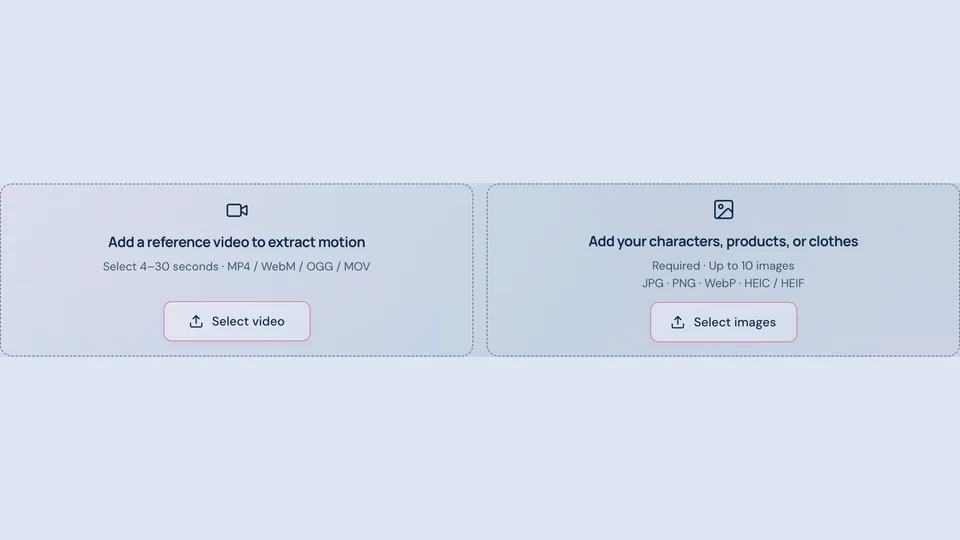
Upload a 4–30s video and the references your task needs.
02 / Review
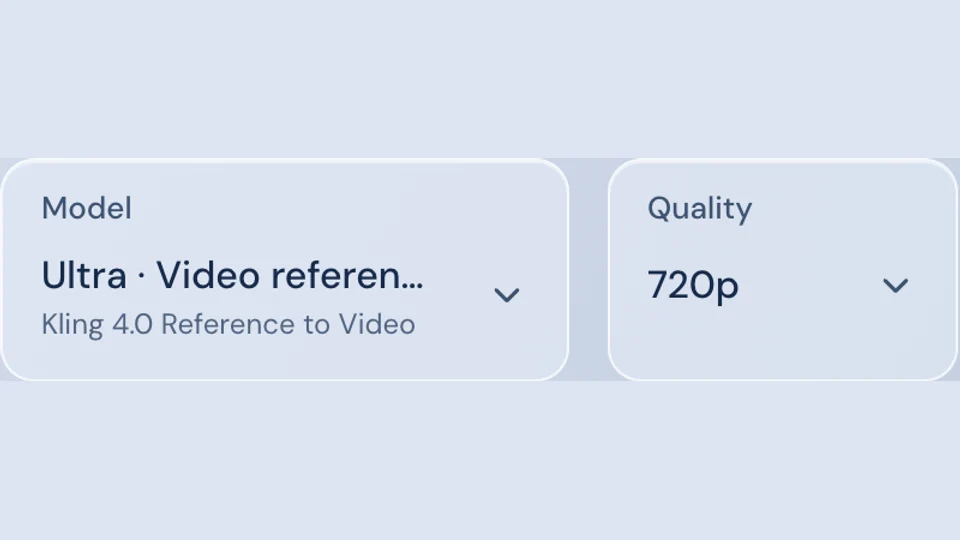
Select duration and resolution. Check the final quote and discount.
03 / Generate
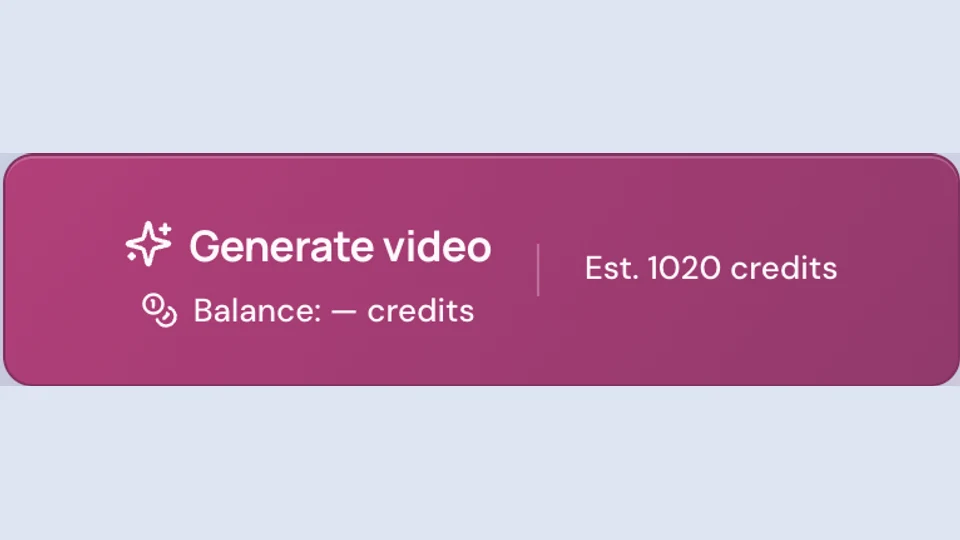
Generate to reserve credits. Download completed videos within 7 days.
Workspace screenshots; no paid generation shown.
Prompts and references
Tag your clip @video1 and images @image1, @image2. For multiple characters, assign subjects separately in Scene Rebuild.
Tags convert to KIE’s @video_1 / @image_1 syntax. KIE
Character performance
Use @image1 as the performer in @video1. Preserve gestures, camera movement and timing. Keep identity consistent; add no people.
Outfit change
Replace the foreground person’s jacket in @video1 with @image1. Preserve face, hands, pose and background; keep natural fabric shadows.
Fantasy effects
Use @image1 as the performer in @video1. Add glowing petals around their hands; preserve timing, camera movement and facial detail.
Two characters
In @video1, use @image1 for the left person and @image2 for the right. Preserve identities through crossings, camera movement and background.
Compare editing models
Models available here:
| Feature | Kling 4.0 | Kling 3.0 Motion Control | Seedance 2.5 |
|---|---|---|---|
| Length | 4–30s | 4–30s | 4–30s |
| Duration & output | 720p / 1080p | 720p / 1080p | 480p / 720p / 1080p |
| Choose it for | Outfits, effects and reference-led edits. | Motion transfer; separate Omni Edit supports up to 15s. | Alternative interpretation; includes 480p. |
Choose Kling 4.0 for reference edits; Kling 3.0 for motion transfer. Test short clips first.
Other Kling 4.0 platforms
- Kling AIOfficial platform; account-specific access.
- HiggsfieldBrowser tools with separate plans.
- RunwayDeveloper API endpoints.
- fal.aiPlayground and Agent; API coming soon.
- Genjutsu AIIndependent reference-video editor.
Troubleshooting and refunds
A generation failed
After confirmed failure, cancellation or blocking, unfinished steps are refunded in credits. Completed processing may remain charged. Contact support with your task ID if credits are missing.
The task stays queued
Check task status; avoid resubmitting uncertain jobs. Contact support if progress stalls.
Sign-in or payment failed
Check spam and order history before retrying. Payment refunds follow the policy below, separately from generation-credit returns.
Kling 4.0 FAQ
What is Kling 4.0?
Kling AI’s video model, connected here through its reference-to-video editing route.
When was Kling 4.0 released?
Official release notes are linked below; the exact launch date remains unverified.
Is Kling 4.0 free?
Browsing, prompts and signed-in quotes are free. Rendering requires credits.
What does it cost?
Use the calculator. Duration, resolution, optional processing and purchased credit value determine cost.
How do I claim 20% off?
Claim the offer above. Eligibility is server-checked; confirm the discount in your quote.
Can I generate 30 seconds?
Yes, with at least 30 seconds of source footage. Short clips are not extended.
Can I use text or photos alone?
No. This editor requires a video and task-appropriate references.
How does Omni Reference work?
It combines references. Assign uploaded images distinct roles, as the prompts demonstrate.
Are 4K, keyframes or voice cloning supported?
No; this workspace offers 720p and 1080p reference-video editing.
Are failed generations refunded?
Unfinished steps are refunded after confirmed failure; completed processing may remain charged.
Sources and scope
Provider capabilities and availability may change.
Your footage. A new direction.
Start at 720p, review the credits, and build up from a short test.